How to Deposit Into Aviator via M-Pesa: Step-by-Step Walkthrough
The in-app STK push method and the manual Paybill method for funding an Aviator account from Kenya, plus what to do when a deposit doesn’t reflect right away.
The short answer
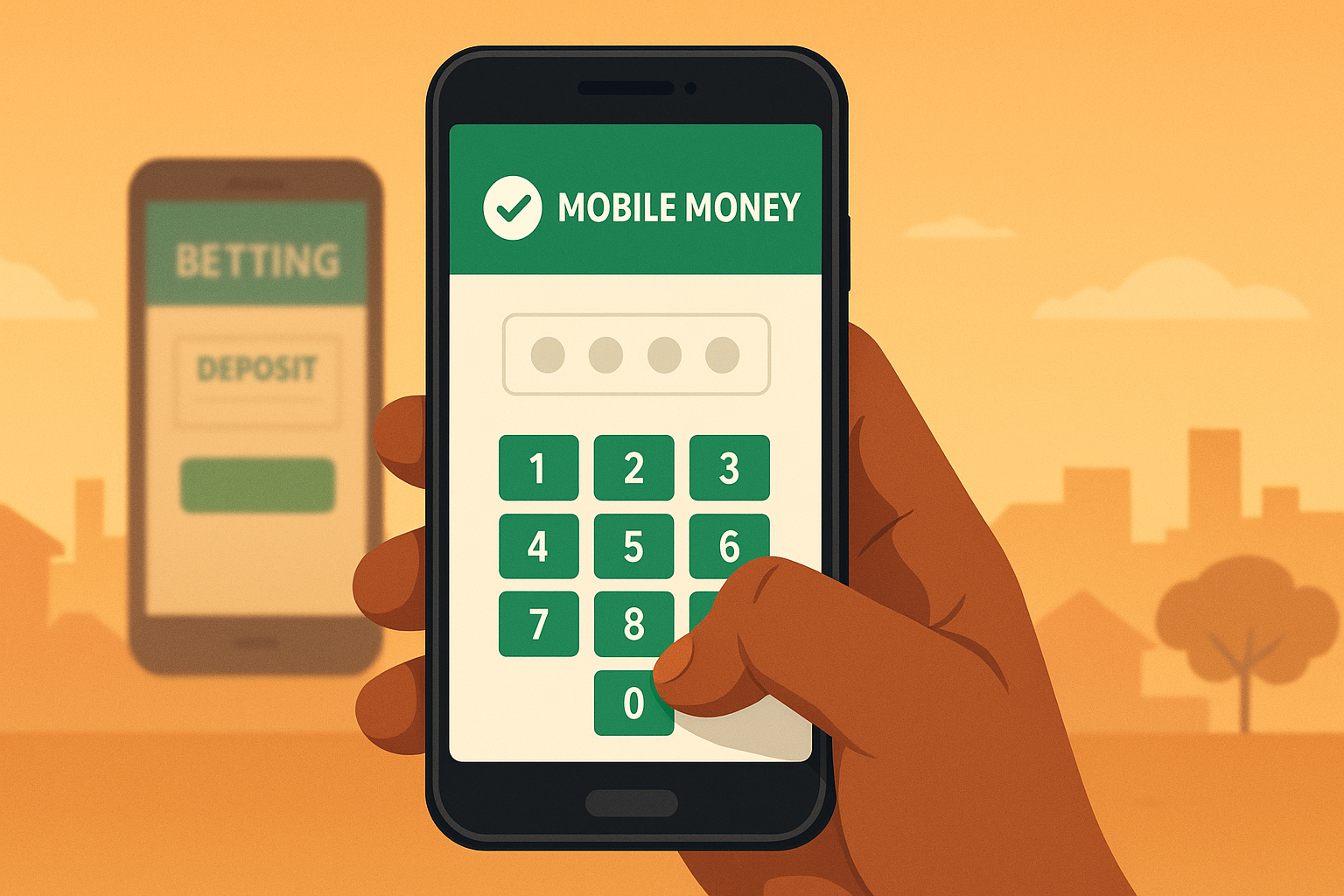
Funding an Aviator account from Kenya almost always goes through M-Pesa, and there are two ways to do it: an in-app “Deposit” button that triggers an M-Pesa STK push straight to a phone, or a manual Lipa na M-Pesa Paybill entry typed directly into the M-Pesa menu. The in-app route is faster and harder to get wrong; the manual route is useful as a backup when the app itself won’t load. Both land funds in the betting account within seconds to a couple of minutes once the M-Pesa PIN is confirmed.
Before depositing anything
Three things need to be true first, and skipping them is the most common source of a deposit that seems to vanish.
- The betting account must be registered with the same phone number the M-Pesa line is on — operators match deposits by phone number, and a mismatch is the single most common reason a deposit doesn’t reflect.
- The app should be downloaded from the operator’s official source, not a third-party mirror — see the app download guide for how to tell the two apart.
- The M-Pesa line needs enough float for both the deposit and Safaricom’s transaction charge, where one applies.
Method one: in-app deposit (STK push)
This is the method most Kenyan operators point new users toward first, since it doesn’t require remembering a paybill or account number.
Step by step
- Open the betting app and log in.
- Go to the Deposit or Cashier section, usually reachable from the main menu or wallet icon.
- Select M-Pesa as the payment method.
- Enter the amount to deposit — most platforms set a minimum around KES 10–50.
- Confirm the phone number shown matches the line that will receive the prompt.
- Submit the request. Within seconds, an M-Pesa PIN prompt (STK push) appears on the phone automatically — no paybill number needs to be typed anywhere.
- Enter the M-Pesa PIN to authorize. The balance in the betting app should update within a few seconds to a couple of minutes.
Method two: manual Paybill deposit
Useful when the app is slow to load or the STK prompt doesn’t arrive, since it’s done entirely from the M-Pesa menu instead of the betting app.
Step by step
- Open the M-Pesa menu (via SIM Toolkit or the M-Pesa app) and select Lipa na M-Pesa.
- Select Pay Bill.
- Enter the operator’s business number — for example, Betika’s official Paybill is 290290. Every operator publishes its own number on its official site and inside its app; using a number copied from an unofficial source is a common scam vector, so it’s worth cross-checking against the app before sending money.
- For the account number, enter the phone number registered on the betting account, unless the app’s cashier page specifies something different.
- Enter the deposit amount and confirm with the M-Pesa PIN.
- An SMS confirmation from M-Pesa arrives immediately; the betting account balance should reflect the deposit shortly after, often within a minute.
What to do if a deposit doesn’t reflect
This happens occasionally and is rarely a lost payment — M-Pesa transfers to a licensed operator don’t simply disappear.
- Check the M-Pesa SMS confirmation to confirm the transaction actually completed and note the M-Pesa transaction code.
- Log out and back into the betting app, or pull down to refresh the wallet balance — many delays are a display lag rather than a missing deposit.
- Wait five minutes; most delayed deposits post automatically once the operator’s payment processor catches up during busy periods.
- If the balance still hasn’t updated after that, contact the operator’s support with the M-Pesa transaction code, the exact amount, and the registered phone number — this is the fastest way for support to trace a specific payment.
Deposit limits and fees to expect
Minimum deposits on most Kenyan Aviator-carrying platforms sit between KES 10 and KES 50, with no meaningful maximum for ordinary play — larger deposits may occasionally trigger additional identity verification. M-Pesa itself does not charge a fee for sending money to a Paybill for deposits under Safaricom’s standard tariff structure in most cases, though this can change, so it’s worth glancing at the confirmation SMS the first few times to see whether a charge was applied.
Excise duty on betting deposits
Kenya charges a 5% excise duty on money deposited into a betting wallet, so a KES 500 M-Pesa deposit usually shows as about KES 475 in the account. The Finance Act 2025 set this rate and moved the charge from each stake to the deposit itself; before that, the duty was 15% of the amount wagered, according to EY’s summary of the Act, which lists 1 July 2025 as the general start date for its changes.
| Step | Amount |
|---|---|
| Sent via Paybill or STK push | KES 500 |
| Excise duty at 5% | KES 25 |
| Balance credited to the wallet | KES 475 |
Because the duty is taken when money enters the wallet, no further excise is deducted from each Aviator round played from that balance. Any Safaricom tariff on the transfer is separate. A credited balance about 5% below the amount sent is therefore expected and is not a failed or partial deposit.
Staying safe with M-Pesa deposits
- Never share an M-Pesa PIN with anyone, including someone claiming to be betting platform support — support staff never need it.
- Confirm the Paybill or till number against the operator’s own app or official website before sending money manually, especially after clicking a link from social media or WhatsApp.
- Keep the M-Pesa confirmation SMS until the deposit is confirmed on the betting side — it’s the reference needed if support has to trace a payment.
Frequently asked questions
Can a deposit be made from someone else’s M-Pesa line?
Most operators expect the depositing number to match the registered account number. Sending from a different line can cause the deposit to fail to reflect automatically, requiring manual support intervention.
Is there a faster method than STK push?
STK push is generally the fastest and least error-prone method available, since it removes the manual entry of a Paybill and account number.
Do all Aviator-carrying platforms use the same Paybill?
No. Each licensed operator has its own Paybill or till number, published on its own site and app. Reusing a number from a different operator will not fund the intended account.
What happens if the wrong account number is entered on a manual deposit?
The funds may land in M-Pesa’s system but fail to match any betting account, which typically requires contacting the operator’s support with the transaction code to resolve manually — sometimes after a delay of a day or more.
Aviatorrr may earn a commission from some platform links. Gambling is for adults 18+ and involves risk. Affiliate disclosure & responsible gambling.